Participating/Uploading
-
Who can participate?
The Letter Library is open to submissions from anyone. For example:
Font foundries can submit the type specimens they publish.
Libraries and archives can submit records to represent their collection of type specimens.
Private collectors can submit catalog entries and scans.
Volunteers with knowledge in the field of typography can create records to improve our databases.
-
How to participate?
When content is submitted to the archive, there are 3 possible tiers.
Catalog Data
Catalog Data + Galleries/Embedded Content
Catalog Data + Galleries/Embedded Content + Downloads
In our Core databases, we collect data around published type specimens by type foundries. We also collect records about which libraries own copies of these publications in the Objects database.
The cataloged type specimens can be accessed for free in several ways:
as links to external archives
as embedded content (PDFs, Videos) directly on our site
as image gallery of scans directly on our site
We also collect hi-resolutions scans of these materials, but they are only accessible to supporting members.
Sending in materials
It is possible to send in physical type specimen materials. We archive your materials in collaboration with the printing museum Pavillon-Presse in Weimar, Germany. Your materials will be added to the museum’s type specimen library and can be digitized for the Letter Library platform. The museum’s address can be found here: https://pavillon-presse.de/preise-anfahrt/
-
What is the Letter Library collecting?
We collect complete type specimens issued by type foundries.
Also acceptable are:
- important third-party type specimen collections that are in the public domain
- lettering/calligraphy works that show full alphabets and are in the public domain
What we usually do not collect:
- type specimens issues by print shops
- type specimens collections by publishing houses that are copyrighted
- type specimens by third-parties (e.g. students)
-
What are the quality criteria to upload content to the Letter Library?

- Uploads must be complete. We do not collect individual sections, let alone individual pages from type specimens. Bu that does not mean that all type specimens have to be in perfect condition. Occasional cut-outs or torn out pages are acceptable.
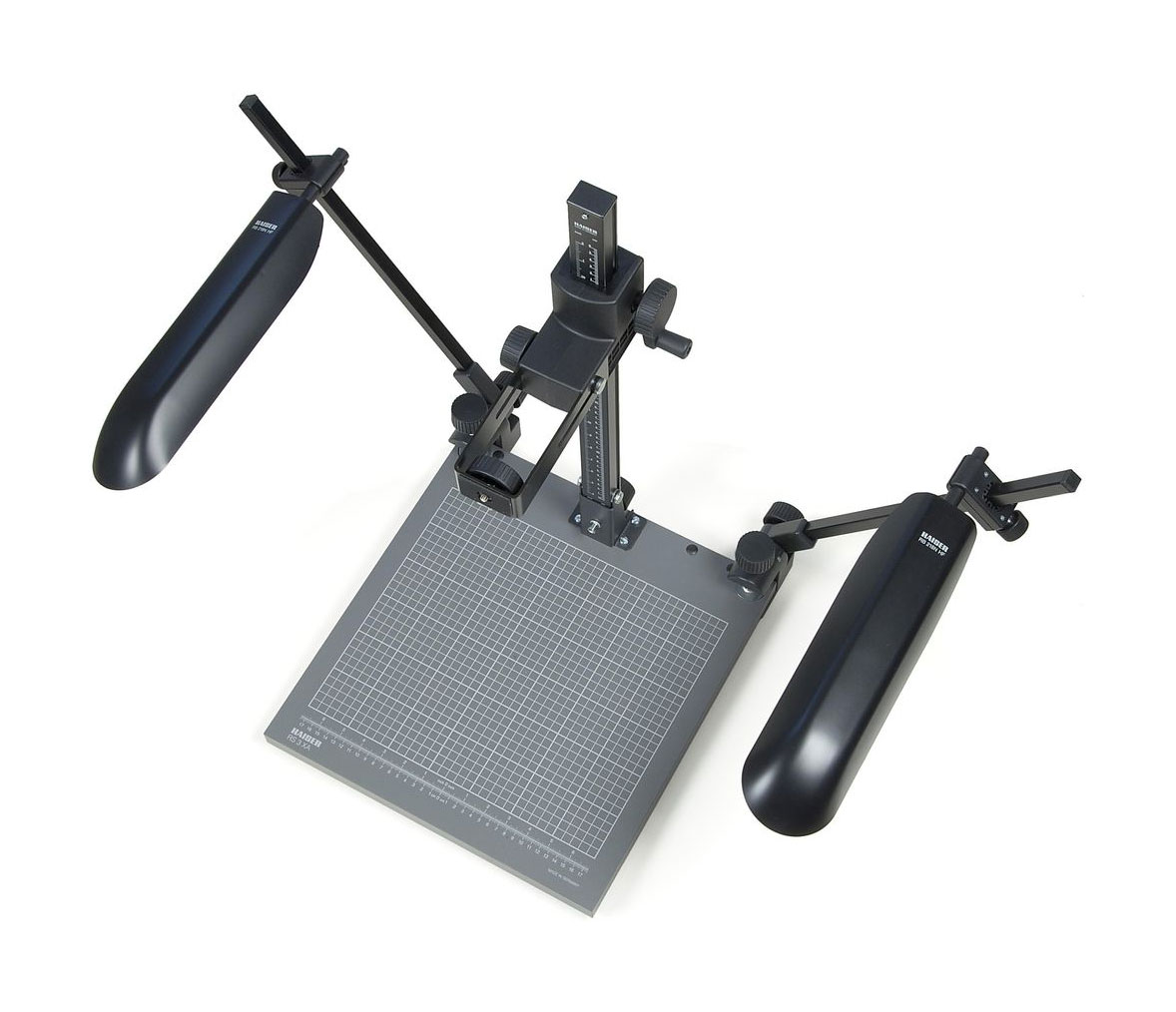
- The files should be created using a flat-bed scanner or a copy stand setup. Hand-held shots are not acceptable.
-
How to prepare Gallery images?
General information:
Images shown on the Letter Library are meant for online viewing.
Both spreads and single pages can be uploaded.
Images should be straightened and cropped.Image rotation should be optimized for online viewing. So, if a single page in a book is best viewed by rotating the book, the scan of the page can also be rotated accordingly.
Technical preparation:
Gallery images are shown with a maximum size of 2000 by 2000 pixels in a web-safe format like JPG or WebP. Uploads should be prepared accordingly.
Each type specimen publication is uploaded into a new “gallery album”.
Ordering in an album is based on the file name. Therefore the filename should consist only of an integer value with leading zeros. For example, if there are less than 100 images, the images should be named 01.jpg, 02.jpg, 03.jpg and so on. If there are more than 100, but less than 1000 images, the file names should be 001.jpg, 002.jpg, 003.jpg and so on.
In conclusion, the typical preparation steps are:
- rename the pictures in batch (e.g. from library-id1301-helvetica-1965-001.tif to just 001.tif)
- change the size in batch so the longer side of the pictures is reduced to exactly 2000 pixels
- convert to a web-safe format like JPG or WebP
-
How to prepare hi-res downloads?
In addition to Gallery images shown on the Letter Library platform, scans can also be offered to be downloaded directly through our platform.
Only ZIP archives can be uploaded to the type specimen download section. For very large publications, it can be useful to break down the publication into multiple ZIP files to prevent upload errors. For example, instead of uploading one ZIP archive of around one gigabyte, use 3 ZIP archives of around 300 megabytes.
Files in the ZIP archive can use “lossy compression” formats like JPG or formats such as TIF.
In contrast to the Gallery section, there are no restrictions in regards to the file names or the image content. The scans can be raw files from the scanner/camera or retouched images. The details can be mentioned in the description for the download resource.