



Publication released: 2014
Linked publisher:
Linked typefaces:
Writing systems: Latin
Continent: North America
Country: United States of America
Letter Library permanent ID: LLC1886
PDF upload linking to this publication (1):
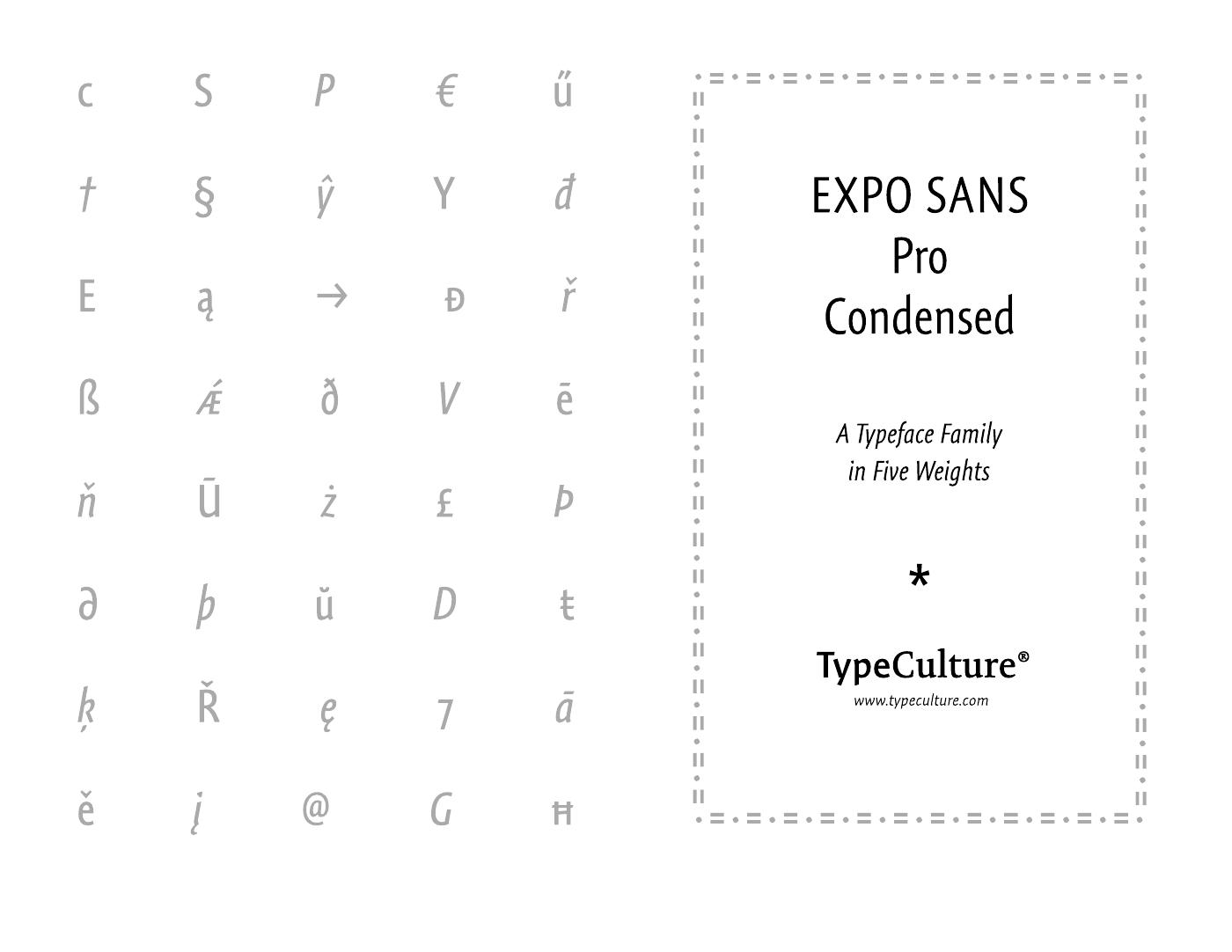
Expo Sans Pro Condensed: A Typeface Family in Five Weights
(Type Specimen PDFs)